Sliding System
The Sliding System allows the player character to perform a dynamic slide. It handles capsule resizing, slope continuation, obstacle detection, and smooth recovery using motion warping and custom events.
• How It Works?
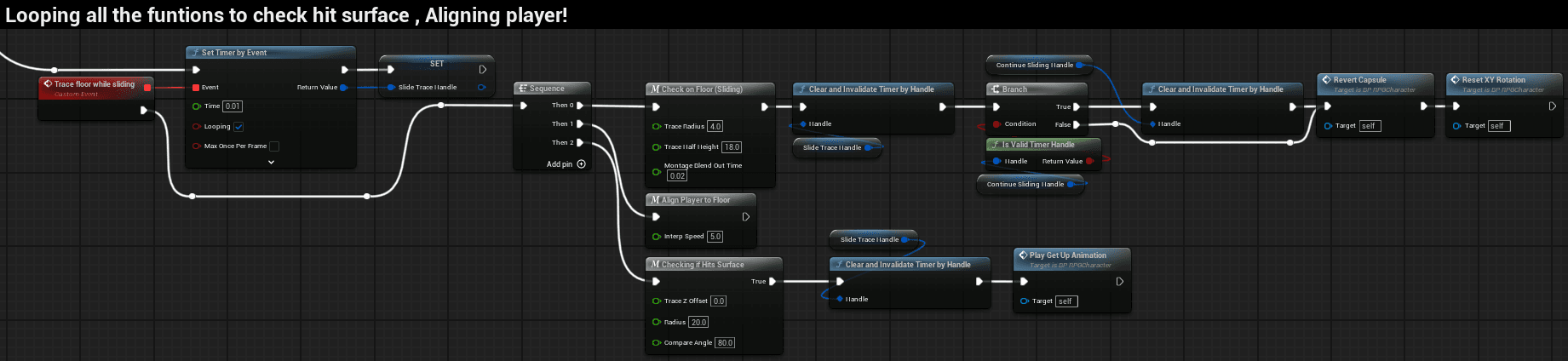
The Sliding System lets the character enter a low-profile slide, continue along slopes, react to obstacles, and recover into stand/crouch. It uses a Left Ctrl input, capsule resizing, motion warping for animation alignment, and a timed trace loop to manage floor/slope checks and exit conditions.
Input & State Management
- Input Key:
Left Ctrl - State Variables:
IsSliding(bool) — Indicates active slide state.Slide Trace Handle(Timer Handle) — Controls the trace loop while sliding.
- Start Conditions:
- Player is not on a ledge.
- Movement speed ≥ 250 units/s.
- No montage is currently playing.
Slide Under Checkconfirms clearance for sliding under an obstacle.

Entering a Slide
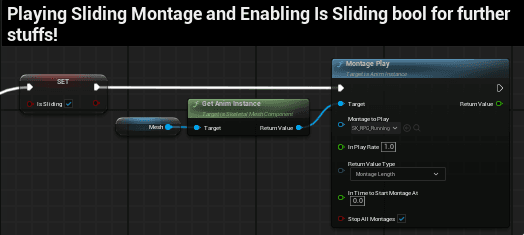
Play Animation
- Standard Slide Montage if sliding on open ground.
- Alternative “Slide Under” Montage if
Slide Under Checkdetects a low obstacle overhead.
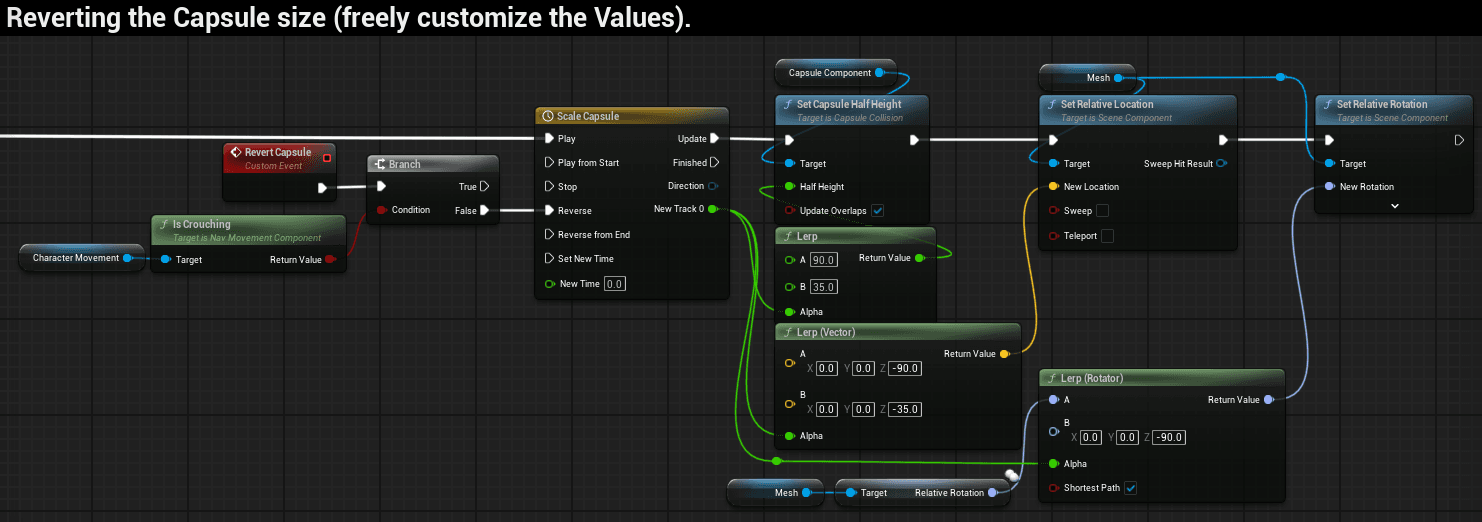
Adjust Capsule
- Reduce capsule half-height.
- Offset mesh location (≈ –30 Z).
- Smooth transition via Timeline.
Obstacle Handling
When a wall is detected during slide:
- Motion Warp target
SlideEndset at actor location + forward vector * 450. - Montage with warp window plays.
- On montage notify → Revert Capsule.
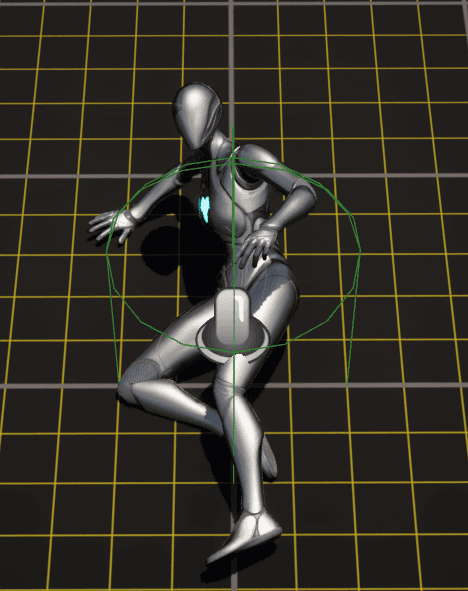
If sliding under an obstacle:
- System plays the Slide-Under Montage instead of the standard slide.
- Capsule remains lowered until the animation ends or space above is clear.
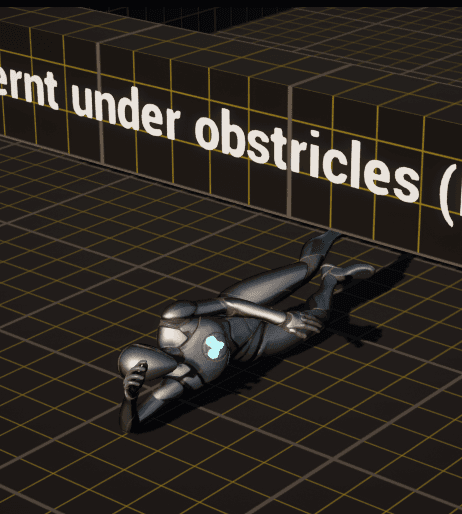
Exit Conditions
- Stop Sliding (montage end, flat surface, or manual stop).
- Ceiling Check: If obstacle above, auto-switch to Crouch.
As URPG is in the Beta version the Crouch systems foot ik is not working will be fixed in the future updates.
- Reset XY Rotation: Clears slope alignment after exit.
- Revert Capsule: Restores default capsule height & mesh offset.
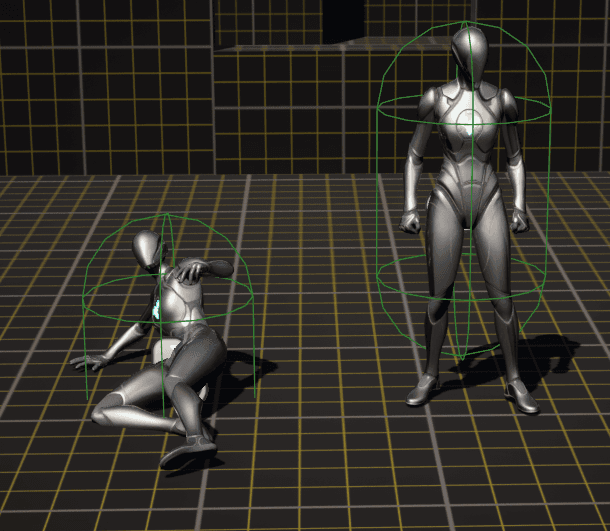
Custom Events
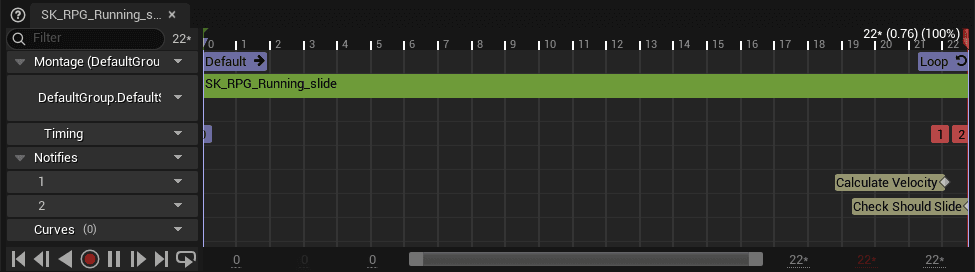
Check Should Continue Sliding→ Verifies slope for continuation.Play Get Up Animation→ Plays recovery montage.Trace for Top Ceiling→ Auto crouch if blocked above.Reset XY Rotation→ Normalizes rotation after sliding.Continue Sliding→ Loop execution when slope conditions are valid.
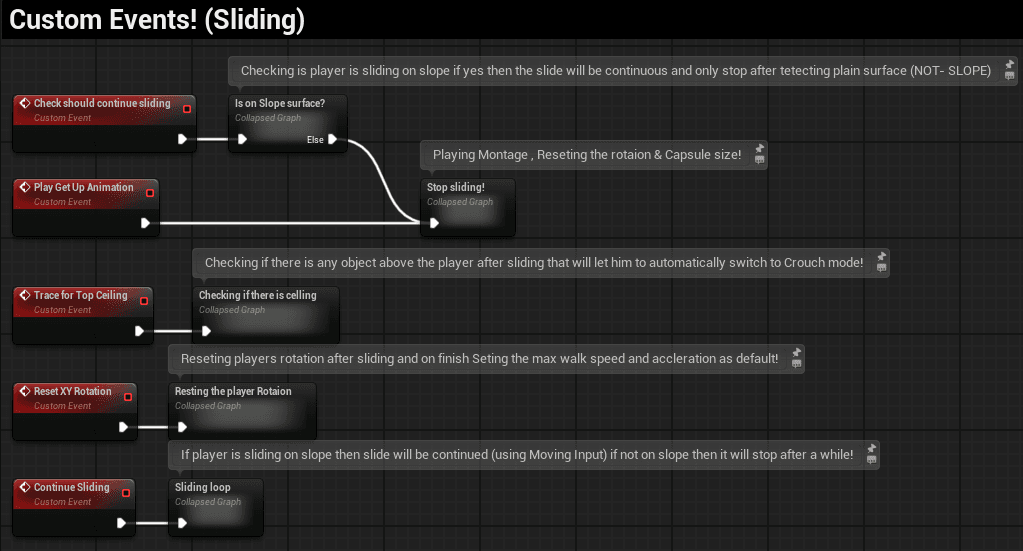
Animation Setup
- Sliding Montage — Core animation, optional root motion.
- Slide-Under Montage — Alternative montage when passing under an obstacle.
- Get-Up Montage — Recovery after slide/wall stop.
- Motion Warping Notifies — Aligns player with
SlideEndtarget. - Montage Notify → Triggers capsule revert.
That’s all for sliding. Now go break some knees (in game, of course)😅
Ladder System
The Ladder System is fully modular and easy to use. You can adjust the height, step spacing, styles, and even add details like screws or end pieces. Everything updates automatically, so you can quickly create ladders that fit any environment without manual setup.
Mantling System
The Mantling System in the URPG Template allows your character to climb over ledges, walls, and other obstacles seamlessly. It ensures smooth traversal across the environment, making gameplay feel more dynamic and natural.