Cover System
The Cover System lets your character hide behind objects using traces and Motion Warping.
• How It Works?
The Cover System in the Ultimate RPG Template lets players enter cover, move along it, switch between cover points, and exit seamlessly.
It uses traces, motion warping, and state driven logic to keep everything smooth and consistent.
Core Functionality
- Inputs →
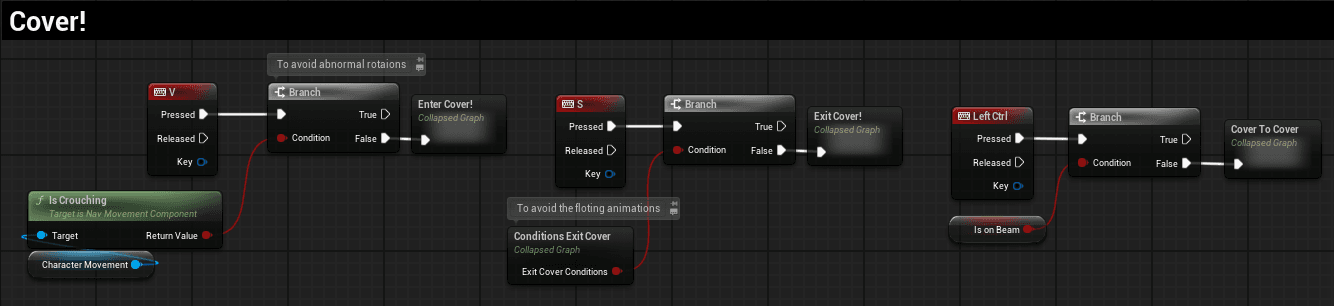
Vto enter,Sto exit,Ctrlto move cover to cover. - Traces → Line and sphere traces detect walls, measure cover height, and check edges.
- Motion Warping → Aligns animations (entry, exit, transitions) with cover points.
- States → Booleans like
IsCover,CanCoverLeft/Right,ShouldCrouchprevent errors and keep movement logical. - Camera & HUD → Camera offsets adjust dynamically, and a Cover HUD appears when in cover.
Entering & Exiting Cover
-
Entering (V) → A forward trace detects cover. If valid, height is checked:
- Low cover → player crouches.
- Tall cover → player stays standing.
- Motion warping snaps them into place and plays an entry animation.
-
Exiting (S) → Checks exit conditions, plays exit montage, resets states, and restores camera.
Cover Movement
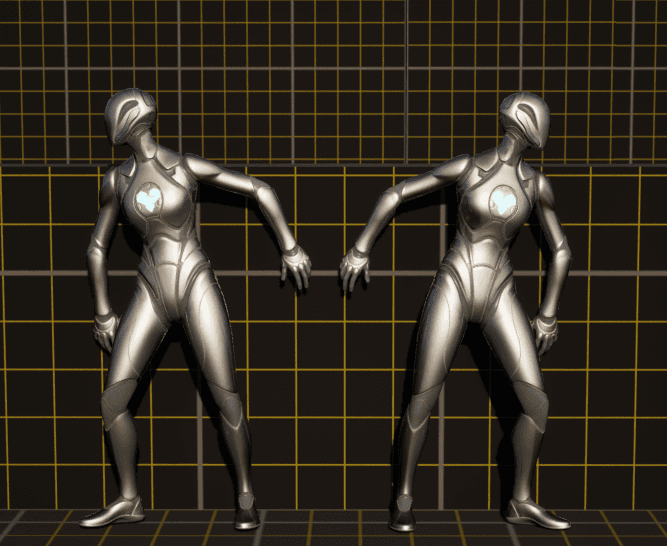
- Players can move left, right, or between cover points.
- Traces prevent movement past edges.
- Motion warping keeps animations aligned with the wall.
- Sphere traces adjust rotation so the player always faces the cover.
Cover to Cover
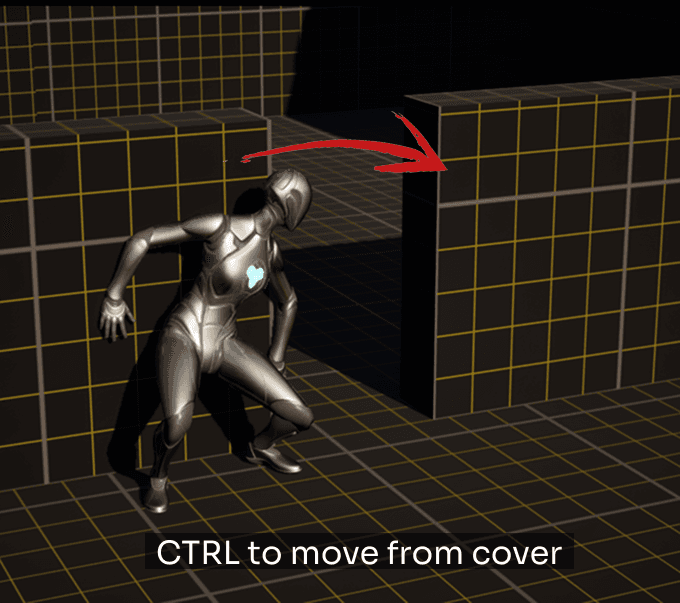
- Activated with Ctrl.
- A trace checks for the next valid cover point.
- If valid, the player transitions with either direct movement or an animation montage, depending on distance.
Camera & Updates
- A Timeline + Lerp adjusts camera offset smoothly when entering/exiting or crouching in cover.
- A lightweight timer updates cover detection every
0.01sfor real-time responsiveness but stops when not needed.
Summary
The Cover System combines traces, motion warping, and states to ensure cover mechanics feel natural:
- Enter and exit with smooth animations.
- Move and rotate consistently while staying aligned to cover.
- Transition between cover points seamlessly.
- Camera and HUD adapt automatically for a polished experience.
The Cover System has a lot more to offer with many features still to explore. There is a lot more to cover about the system, and since this is a beta version, some bugs may exist but will be fixed in upcoming updates..
Beam Balance System
The Beam Balance System allows the player to walk across narrow beams with smooth alignment and movement.It is fully procedural, spline-based, and can be adjusted directly in the editor for length, mesh type, and style. This feature adds realism and traversal variety to the URPG template.
Ladder System
The Ladder System is fully modular and easy to use. You can adjust the height, step spacing, styles, and even add details like screws or end pieces. Everything updates automatically, so you can quickly create ladders that fit any environment without manual setup.