Camera Modes
Your Ultimate RPG System comes with 3 ready to use camera modes, giving players full control over how they experience your game.
• How It Works?
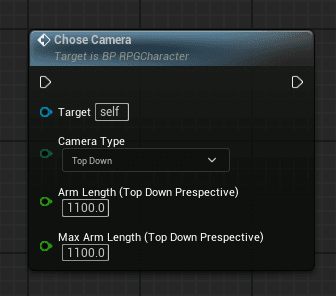
You only need to call one function:
📝 Steps:
- Open your Player Character Blueprint
- Call the function ChooseCamera
- Select the desired camera type from the drop down menu
- Compile & Play your camera system is ready!
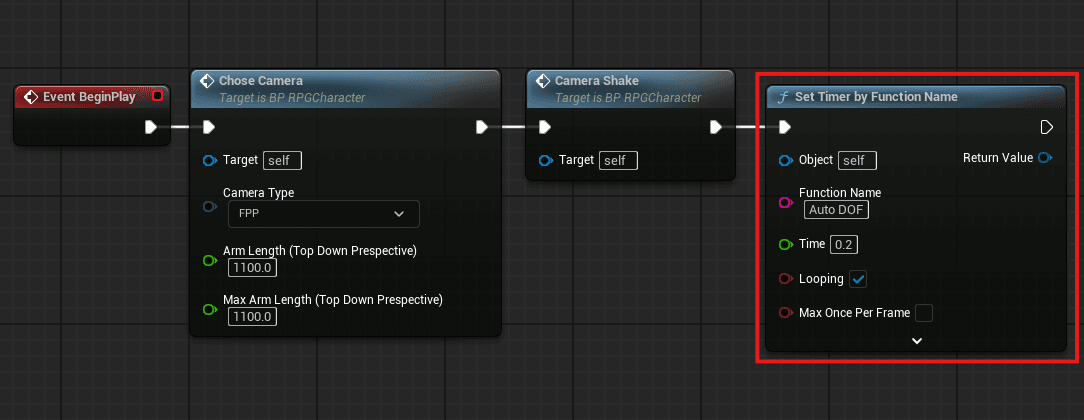
• Auto Depth Of Field
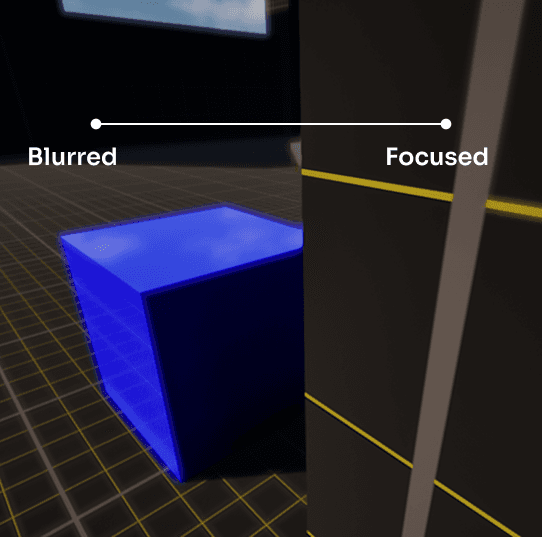
This system automatically adjusts focus based on what the player is looking at, keeping the target sharp while softly blurring the background.
How It Works
- Automatically detects the object or character in the player’s view.
- Dynamically adjusts the camera’s focus distance in real time.
- Creates a smooth, cinematic depth of field effect without manual setup.
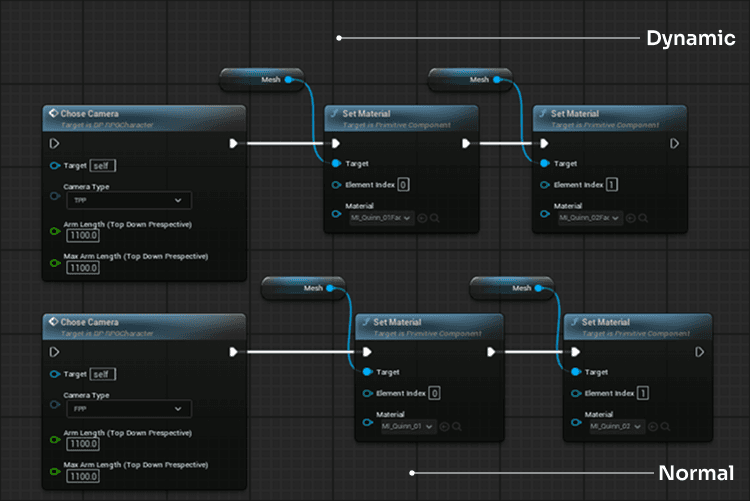
• Camera Overlap
Third-Person & Top-Down View:
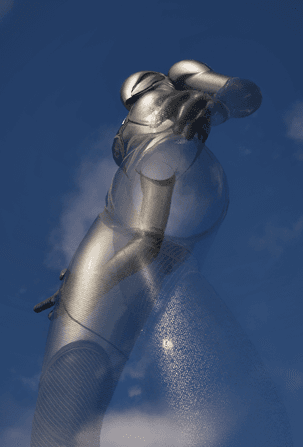
- A material with dynamic fading is applied. The material becomes partially transparent when the camera overlaps with the player’s mesh, improving visibility in close quarters.
First-Person View:
- A separate material is applied, ensuring the player sees full detail with no fading.
-
Smoothly adjusts material opacity in TPP/Top-Down view when the camera is close.
• Camera FOV
The Ultimate RPG Template includes a dynamic Field of View (FOV) system that enhances immersion by adjusting the camera FOV depending on player actions such as sprinting, crouching, or camera mode.
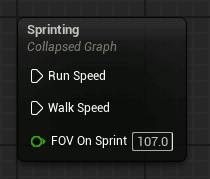
Sprinting:
- When the player sprints, the FOV increases smoothly to give a more realistic sense of speed and momentum.
- This transition is handled through a Timeline and Lerp function, blending between the default camera FOV and the sprint FOV.
- Normal FOV = 90, Sprint FOV = 100
Crouching:
- The system can optionally avoid FOV changes while crouching, keeping the FOV consistent for a stable player experience.
Customization:
- All values, including Walk Speed, Run Speed, Crouch Speed, and Sprint FOV, can be easily adjusted in the Blueprint.
Now lets take a look to Camera Shake!
Upcoming Features
The Ultimate RPG Template (URPG) is currently in Beta, which means it includes only a few core systems right now. However, regular updates are planned, and the template will soon grow into a complete RPG framework.
Camera Shake
Your Ultimate RPG Template includes a built in Camera Shake system that adds extra immersion during gameplay.